

Use Cases
Move ledgers from Excel and VBA to Azure SQL
How PTR can move a ledger from Excel workbooks and VBA into Azure SQL Database, with the calculations in stored procedures, so figures stay accurate and the platform can be audited.

Published
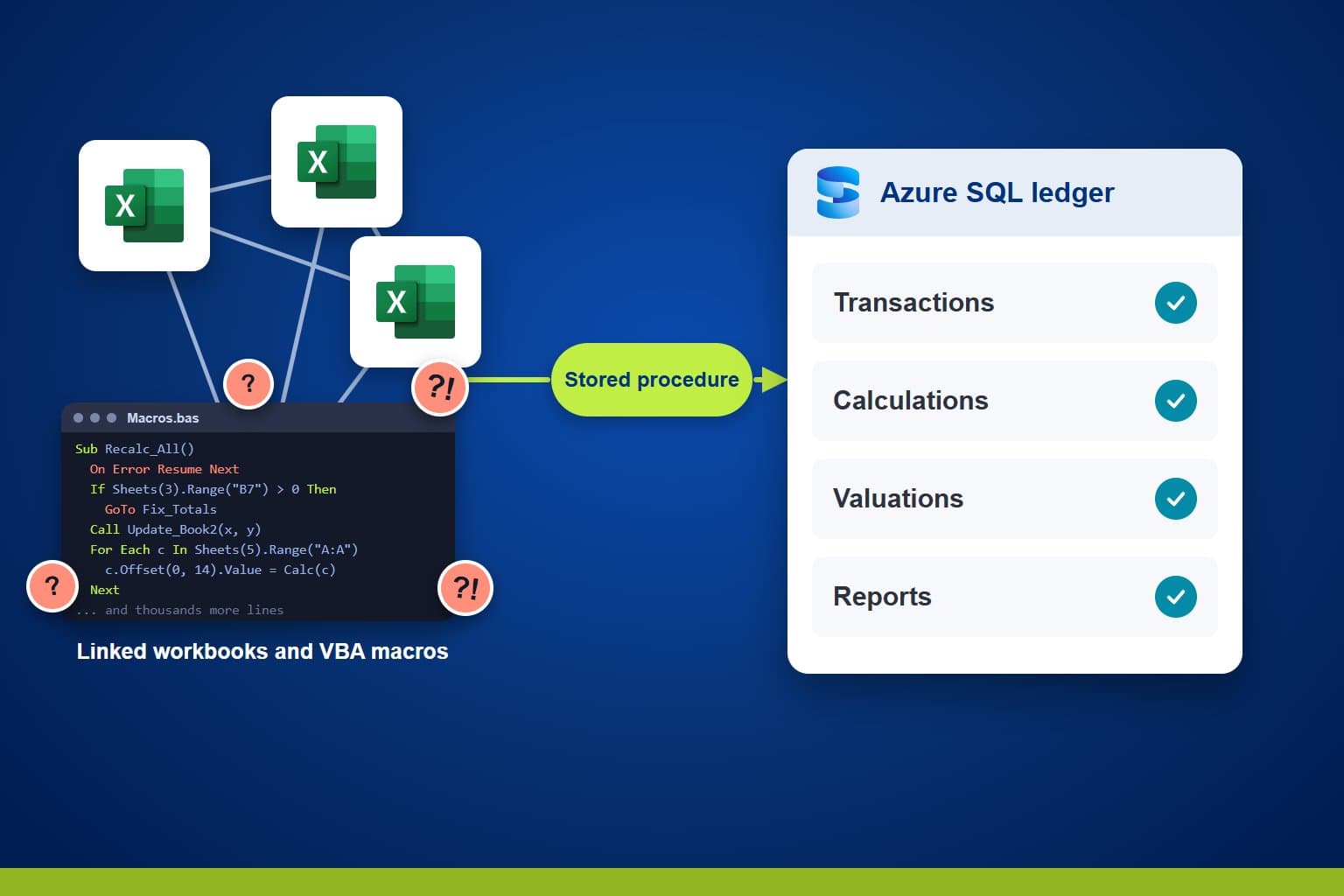
Financial services firms often run core administration on workbooks and macros that have grown over the years. PTR can move that logic into Azure SQL Database, with the calculations held in stored procedures and views, so the figures stay accurate and the platform can be maintained, audited and scaled.
The Challenge: a ledger that lives in workbooks
A ledger built from linked Excel workbooks, VBA routines and separate records usually works, but the logic sits in code few people can read, and the data is spread across files. The knowledge of how it fits together often rests with one or two people.
As volumes and reporting demands grow, it becomes harder to audit and harder to change. It also has to keep running while it changes, and its figures have to match to the penny. That makes the move a matter of care, not speed.
Teams need to be able to:
- Keep every process the ledger supports working throughout the move
- Calculate to the same precision as before
- Hold all of the ledger data in one governed place
- Trace any figure back to the rules that produced it
- Let several people work at once without clashing
What PTR can build: one database for the ledger
We can build the ledger in Azure SQL Database. The data from the workbooks is held in one place, and the financial processing moves out of macros into SQL stored procedures and views. Each calculation lives in one named piece of code, in the layer built to run it.
Applications and reports then read from the database and call those procedures, so a rule is written once and every screen and report applies it. Changing the front end never changes the figures.
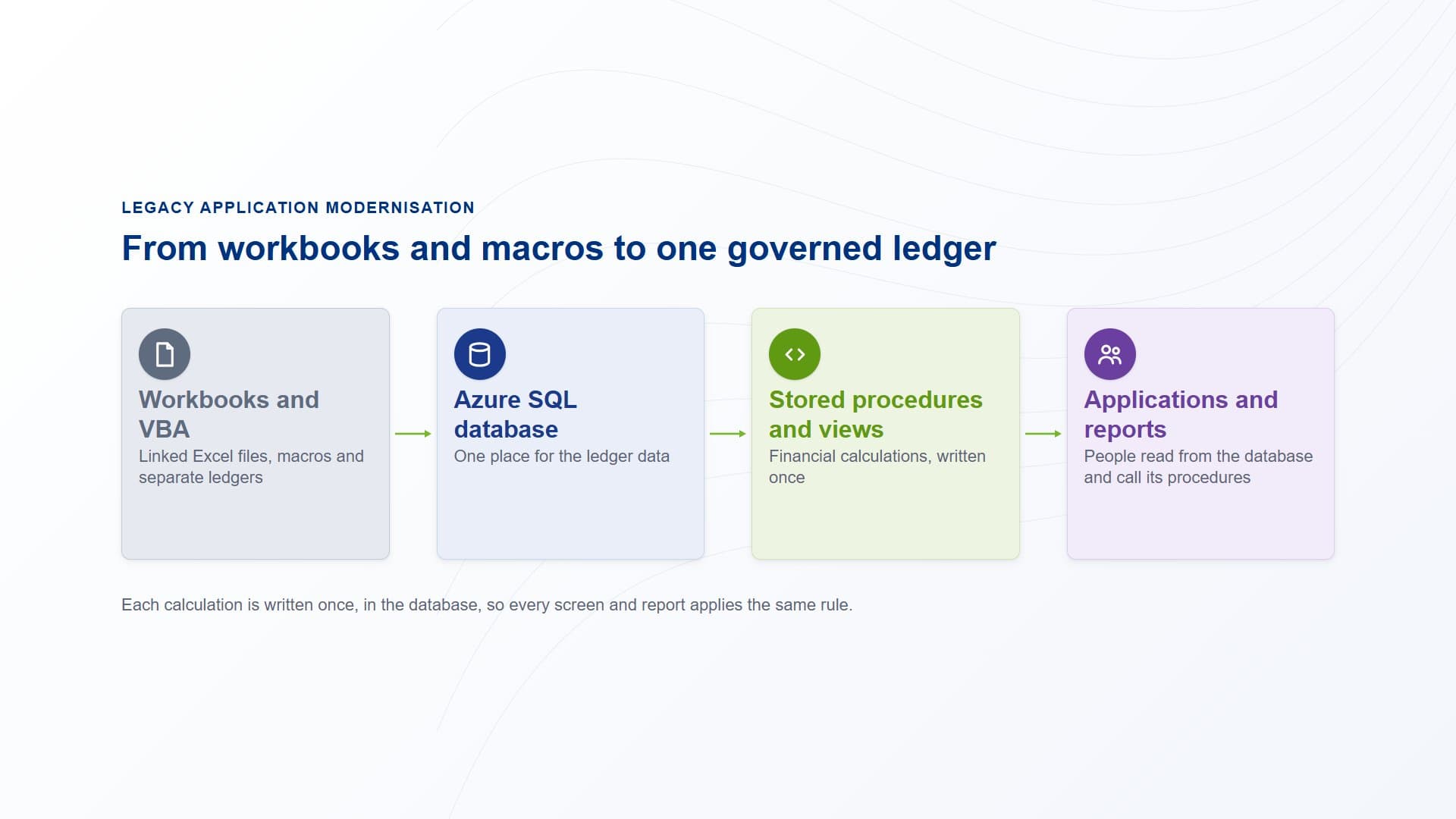
Workbooks and VBA routines give way to one Azure SQL database. Stored procedures and views hold the calculations, and the applications and reports that people use read from them.
How PTR builds it: from workbooks to a live ledger
Work out what the ledger must do
We reverse-engineer the existing workbooks and macros with the people who use them, then write down the outcomes the ledger has to deliver. We do not copy every spreadsheet operation, only what the process needs.
Put each calculation in the right layer
We move the financial calculations into stored procedures, and design the views reports read from. We settle rounding and precision early, and use transactions and locking so people can work at the same time.
Test against the old ledger
We run functional, financial, integration and performance tests, with the legacy ledger as the baseline, and analyse every difference until it is explained.
Run in parallel, then go live
Both ledgers run side by side before a controlled go-live. We finish with documentation and knowledge transfer, so your team can own it afterwards.
Why PTR: we prove the new ledger against the old
Replacing a ledger tempts a team to copy the spreadsheet screen by screen. The usual cost is old quirks carried into a new system, rounding that drifts, and a go-live nobody can reconcile.
PTR has moved a ledger out of spreadsheets and macros and into Azure SQL Database. We ran the old and new ledgers side by side, compared the results, and explained every difference before the old ledger was retired. That reconciliation is the method we bring to yours.
What it gives your teams: a ledger you can rely on
- One place for the data:the ledger no longer depends on files passed between people.
- Calculations you can audit:each rule sits in one stored procedure that can be read, tested and traced.
- Accuracy kept:results are checked against the legacy ledger before and during go-live.
- A platform that can grow:the database is built to be maintained and scaled, with documentation your team can use.
In practice, someone enters a transaction and the database applies the same tested procedure every time, whichever screen or report they started from.
Our view: reconcile before you retire. A ledger is ready to replace when its new figures match the old ones and every difference is explained.
Give your ledger a firm footing
Stop relying on macros nobody dares touch. Talk to us about moving your ledger to Azure SQL Database. PTR provides consultancy, training and support in Azure SQL, Power Platform and Power BI.
Call 0118 979 4000 or Email info@ptr.co.uk.
Related Articles
Frequently Asked Questions
Couldn’t find the answer you were looking for? Feel free to reach out to us! Our team of experts is here to help.
Contact Us