Technology
Hiring a Brilliant New Starter: What Leaders Should Do Before AI Joins the Team
A non-technical guide for leaders on getting data ready before AI takes on real work: decide what it can see, give a clear brief, keep a record of decisions and have someone experienced check the work. Includes four questions to ask this week.

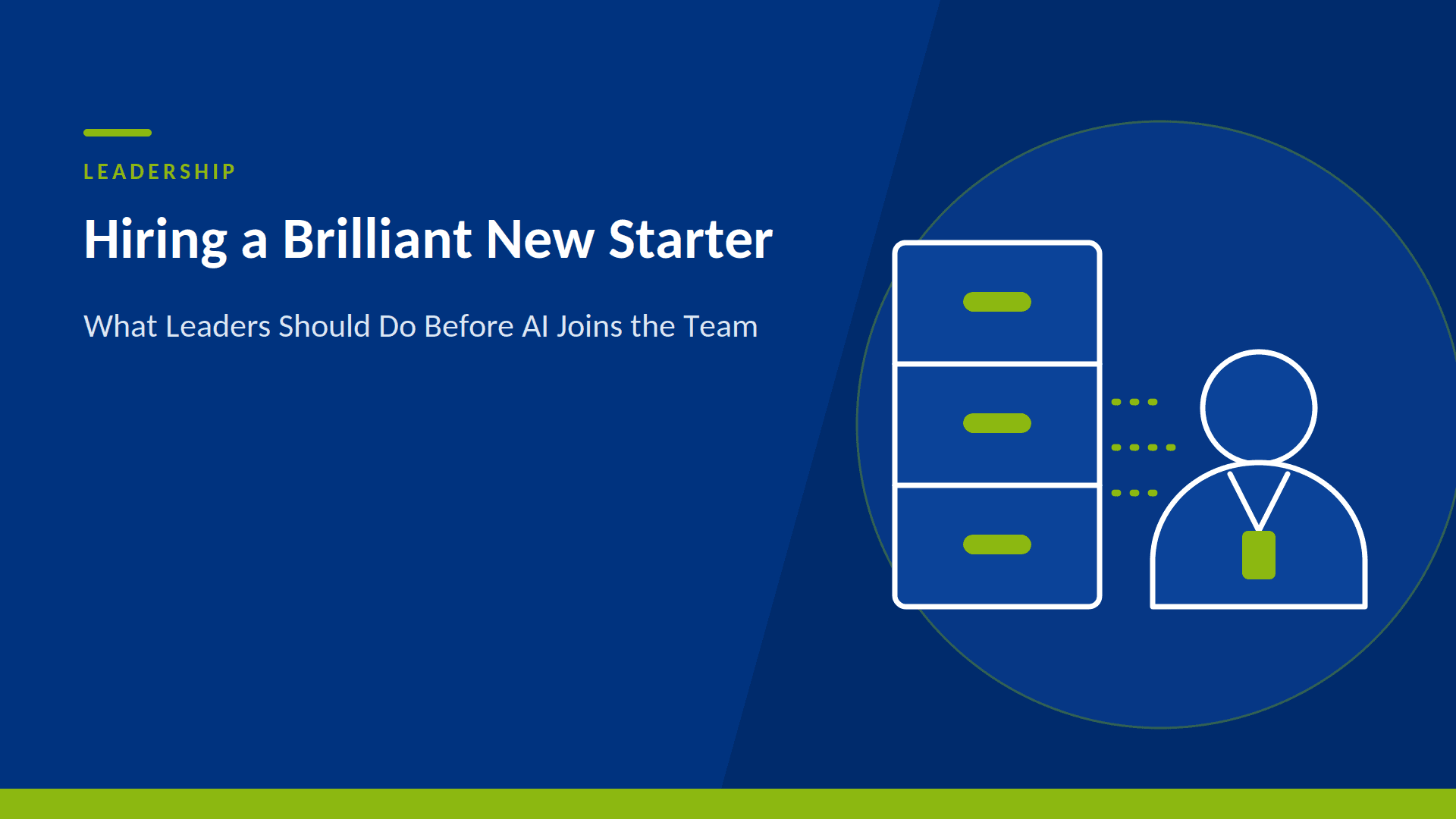
Leaders are being asked to approve AI that does real work: answering customers, preparing reports and building the tools staff use every day. This article uses the example of a brilliant but over-trusting new starter to explain why the state of your data is now a business risk, what to put in place first, and what you gain from getting it right. It includes four questions to ask your team this week and a quick way to test your readiness.
Meet the new starter
Imagine a new starter joins your business who is extraordinarily quick, never tires and is willing to take on almost any task. On day one you give them the keys to every filing cabinet and a log-in to every system. Within hours they have read everything, and they begin acting on what they find.
There is one catch. They believe all of it. The out-of-date price list sits next to the current one, two departments hold different versions of last quarter’s sales figures, and a folder of notes from a project cancelled two years ago looks just as authoritative as the signed-off plan. Your new starter has no way of knowing which is which, and they do not stop to ask. They carry on, confidently and fast.
Why speed raises the stakes
A human colleague in the same position would slow down. They would spot two sets of figures disagreeing, ask someone, and pick up the office view of which one to trust. AI tools mostly work with what they are given, and they do so at a pace that leaves little time for second thoughts. A mistake in the source material can be repeated across hundreds of tasks before anyone sees the first one, and unpicking that costs far more than fixing the source would have done at the start. For a leadership team, that means wrong figures in front of customers and boards, wasted spend on rework, and AI projects that lose credibility.
Does any of this sound familiar?
There is pressure from the board or the business to do something with AI, but nobody can say which use cases are realistic or what has to be fixed first. A pilot produced impressive demos and then disappointing answers, and nobody is sure whether the model, the data or the question was to blame. A Microsoft 365 Copilot rollout is on the way, with a quiet worry about what it might surface from shared drives and old SharePoint sites. Underneath it all, definitions live in people’s heads, access rights have grown by accident, and nobody clearly owns any of it.
What you would do for a human starter
Nobody hands a new starter everything and walks away. The sensible steps are familiar, and each has a direct equivalent for AI.
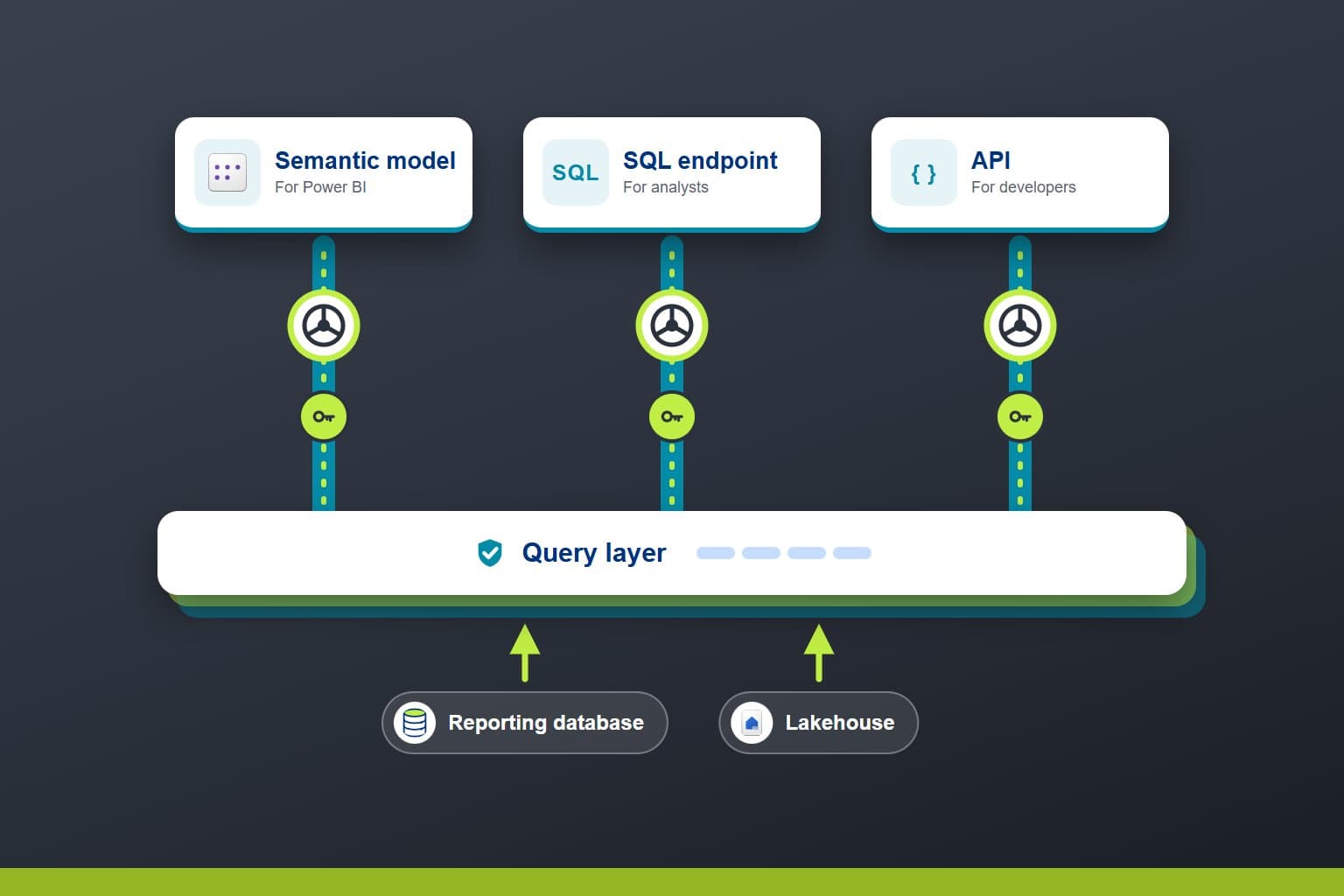
- Decide what they can see. A new starter gets access to what their role needs, and the payroll files stay locked. The same applies to AI: it should only use information it is entitled to, and the rules should be the same wherever that information came from.
- Give a clear brief. You would explain what good looks like, including how the business defines a key figure such as “active customer” or “revenue”. For AI, agreed definitions written down in one place mean that people and tools are working from the same meaning.
- Keep a record of decisions. A good new starter notes what they changed and why, so a manager can follow it later. AI-assisted work needs the same trail, so nobody has to reconstruct the reasoning months afterwards.
- Have an experienced colleague check the work. For the first few weeks, a manager reviews what the new starter produces. With AI, the reviewer needs enough understanding of the subject to judge the output properly, which goes further than approving it.
The payoff for getting it right
Applied well, AI taking on work is a genuine quick win: faster reporting, fewer manual tasks and quicker answers for customers. The return depends on the quality of what it works from. Where the information is sound and the rules are clear, the speed works in your favour. Where it is not, the same speed multiplies the problem. A short, early look at the foundations costs very little next to unpicking several months of AI-assisted work built on the wrong figures. There is a second payoff too: the work that gets you AI ready also improves your reporting and decision making today, because reliable data, agreed definitions and clear governance help everything that depends on them.
Four questions to ask your team this week
- What can the AI see? Can we say, in plain terms, which information each tool is allowed to use?
- Whose number is right? Do our key figures have one agreed definition, written down?
- Who checks the work? Is there a named person with the knowledge to review what AI produces?
- What happens if it is wrong? Could we trace a mistake back to its source and put it right?
If any of these is met with a pause, that is useful information, and it is much better to have it before AI is given real work than after.
Where to start
Start with a conversation. PTR’s free one-hour discovery workshop is a chance to talk through what you want AI to do and where you think you stand. From there, the AI Readiness Assessment takes a short, structured look at your data, platform, governance and people, measured against the AI use cases you actually want to run. It typically takes three to five days, and you come away knowing what is ready now, what needs work first and in what order to tackle it. The roadmap is yours to keep, and it holds whichever AI tools you choose, from Microsoft 365 Copilot to ChatGPT, Claude or Gemini.
Related reading
For the technical detail behind this article, see Before You Let AI Build on Your Data, Check What It’s Building On. For a real example of AI built on a governed foundation, see Built on Solid Ground. For the people side, see The Skill Nobody’s Trained For Yet: Reviewing What AI Builds. For a plain-English take on why AI needs a written plan first, see Would You Let a Builder Start Without Plans? Why AI Needs a Spec Too. To check what a platform review covers, see What a Data Platform Health Check Actually Checks. PTR’s AI Readiness & Data Foundations page covers the wider set of services.
Next steps
PTR combines Microsoft Fabric and Azure consultancy with training and mentoring, so leadership and the teams reviewing AI-built work are equipped together. To book a discovery workshop or talk through an AI Readiness Assessment, Contact the PTR team through our enquiries page, by email at info@ptr.co.uk, or on 0118 979 4000.
MD
Mandy Doward
Managing Director
PTR’s owner and Managing Director is a Microsoft certified Business Intelligence (BI) Consultant, with over 35 years of experience working with data analytics and BI.
Frequently Asked Questions
Couldn’t find the answer you were looking for? Feel free to reach out to us! Our team of experts is here to help.
Contact Us